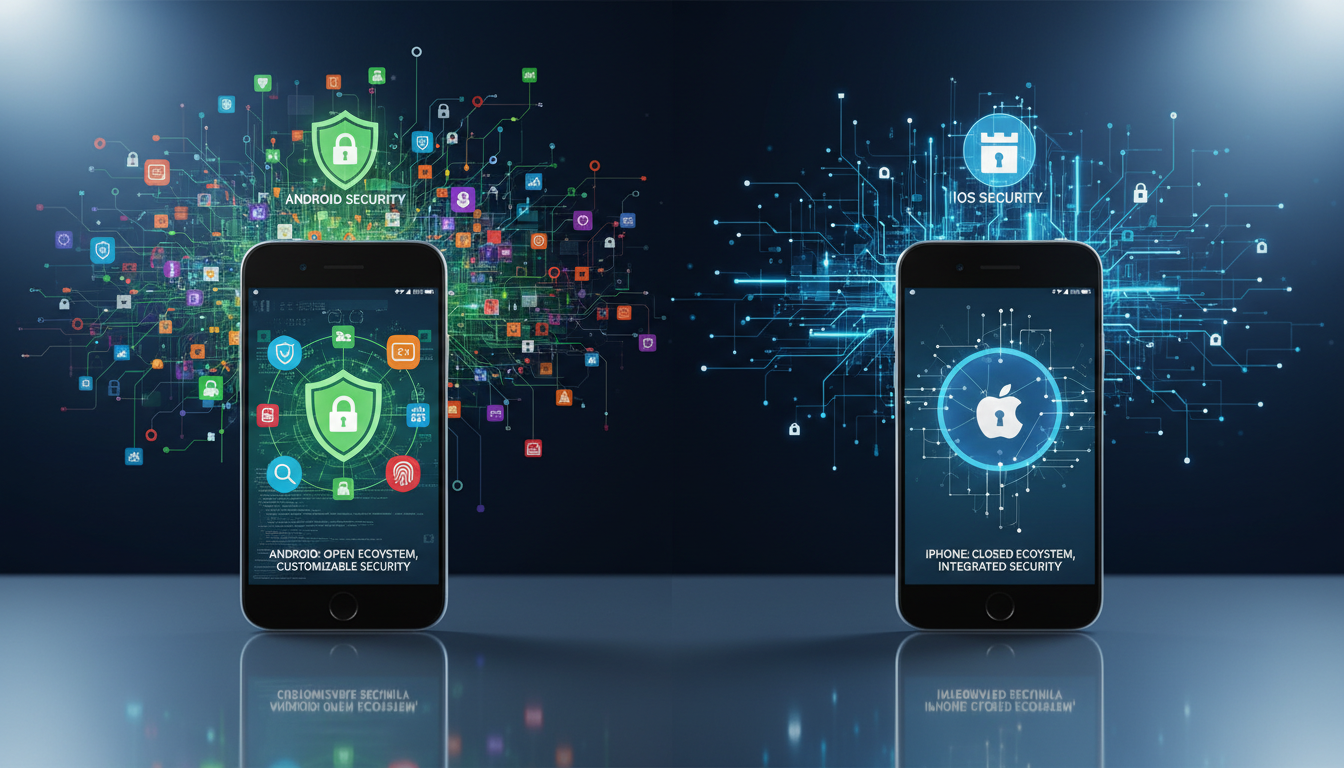
In 2026, choosing a smartphone involves more than just specs and price. The debate over mobile security remains critical for everyone. People use their devices for banking, shopping, and storing private data.
Both major platforms face constant pressure from sophisticated cybercriminals. These attackers target personal information through various methods. Understanding how each company protects its ecosystem is essential.
The National Security Agency provides clear advice. They recommend a simple weekly habit to boost protection. Turning your phone completely off and back on can help mitigate persistent threats.
This article explores the complex interaction between hardware and software. We will examine how timely updates and app store policies manage risks. The goal is to clarify which platform offers stronger defenses against modern attacks.
We analyze the latest security measures from both ecosystems. This includes how they handle third-party app vetting and patch vulnerabilities. Our focus is on giving users the knowledge to make an informed choice for their privacy.
Introduction: Evolving Mobile Security Landscape in 2026
By 2026, the concept of mobile protection has transformed from a simple feature into a foundational requirement. The sheer number of devices in use makes them prime targets for hackers. Security solutions like Norton 360 for Mobile now offer real-time malware detection to counter these sophisticated threats.
Overview of Mobile Security Trends
Modern dangers often bypass old security measures found in outdated operating systems. This has forced every major technology company to bake strong privacy and security features directly into new hardware. Protecting personal data now demands a proactive stance from the user.
The security ecosystem faces new complexities. People are exploring software sources beyond official app stores. How a person interacts with their device directly affects their exposure to cyber attacks.
Keeping a device’s software current is the most effective way to guard against emerging vulnerabilities. This analysis will show how these trends shape the overall safety of your chosen platform. Tools like a reliable VPN can further secure your online activity as part of a layered defense strategy.
Android Security: Features, Updates, and Challenges
With nearly 1,300 brands globally, the Android ecosystem presents a unique set of security challenges and strengths. This vast manufacturer diversity makes standardizing protection measures across all mobile devices complex.

Key Security Protocols and Features in Android Devices
Leading companies integrate robust hardware-level safeguards. Samsung’s Knox platform is certified by multiple government agencies for protecting user data.
Google employs the Titan M2 security chip in Pixel devices. This chip strengthens the core operating system for sensitive functions.
Impact of Manufacturer Variability and Update Frequency
The open-source nature of the software means update frequency varies. Some manufacturers are slow to patch security vulnerabilities.
This delay can leave users exposed. Individuals must research a brand’s update reputation. Even core services can experience software reliability issues that impact daily use.
Ultimately, the platform’s flexibility requires proactive user vigilance for strong defense.
iPhone Security: Strengths and Potential Vulnerabilities
Security on iOS devices is fundamentally shaped by Apple’s vertical integration of all critical components. This approach creates a unified defense system. The company controls both the hardware and the operating system.
This tight control allows for deeply embedded security features. It results in a consistent experience for users across the ecosystem.
Benefits of Secure Enclave and Integrated Protections
A key hardware feature is the Secure Enclave. This is a separate processor subsystem. It stores sensitive biometric data like Face ID information.
The closed nature of the iOS platform helps minimize security vulnerabilities. Apple provides frequent software updates to a wide range of devices. This ensures even older hardware gets critical patches.
Standardized security measures are a major advantage. Every user receives the same core protections.
Risks of Jailbreaking and Software Update Limitations
Jailbreaking is a process that removes Apple’s built-in security layers. It compromises the device’s native defenses. This makes the system far more susceptible to malware and hacking attacks.
Users who jailbreak lose the protection of Apple’s rigorous security protocols. They may also be blocked from receiving official updates. This leaves known security vulnerabilities unpatched.
Even with strong built-in features, risky user behavior can create openings. Downloading apps from unofficial sources is a common threat.
| Security Aspect | iOS Native Security | After Jailbreaking |
|---|---|---|
| Data Protection | Hardware-level encryption via Secure Enclave | Core encryption layers are often disabled |
| Update Access | Direct, timely updates from Apple | Official updates may be blocked, causing delays |
| Malware Risk | Low, due to App Store vetting and sandboxing | Significantly increased from third-party sources |
Android vs iPhone Safety: A Comparative Analysis
A direct comparison of the two leading mobile platforms reveals critical distinctions in how they safeguard user information. Long-held assumptions about relative safety are being challenged by new data.
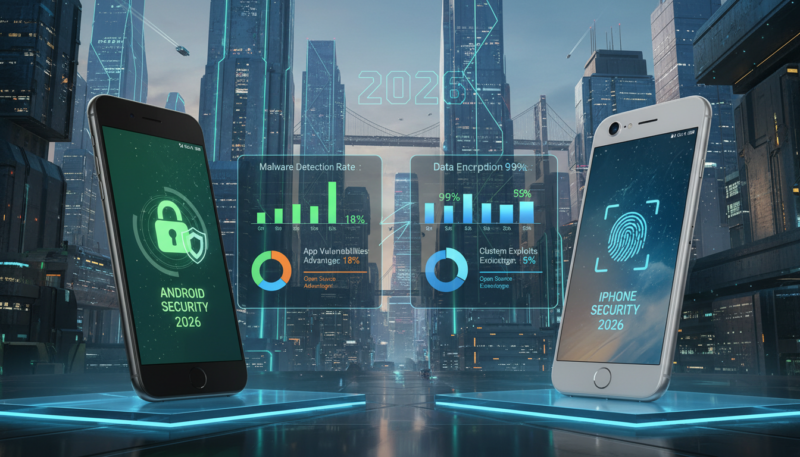
Understanding these core differences helps individuals choose a device that aligns with their personal privacy needs.
Core Differences in OS Architecture and Data Protection
The foundational design of each operating system dictates its approach. One ecosystem employs a tightly controlled, walled-garden model. The other embraces openness with greater customization.
This architectural split directly impacts data security. Integrated hardware features like secure enclaves offer robust protection in closed systems. Open systems rely on a combination of platform-level safeguards and manufacturer implementation.
Insights from Recent Cyber Threat Research
Recent studies provide surprising insights. Research indicates that 93% of popular iOS applications are vulnerable to repackaging attacks.
In contrast, only 62% of top Android apps showed similar vulnerabilities under the same tests.
The scale is staggering. Repackaged iOS software has been installed billions of times, highlighting a significant attack vector. This suggests developer complacency has been a historical issue on that platform.
Android developers, operating in a more exposed environment, have often prioritized security hardening. The data indicates the perceived security gap between these ecosystems is narrowing. Each faces distinct challenges, from fragmentation to new sideloading risks.
Operating System Ecosystems: Open Source vs. Closed System
The underlying philosophy of a mobile operating system’s design fundamentally shapes its security posture. Two competing models dominate the landscape.
One model is built on open-source code, allowing for public scrutiny and modification. The other is a closed, proprietary system with tightly controlled access.
Advantages and Risks of Android’s Open System
The open-source nature fosters incredible innovation and device customization. Manufacturers can tailor the software to create unique hardware experiences.
This flexibility is a major draw for tech enthusiasts. It allows a wider range of mobile devices at various price points.
However, this openness introduces potential security vulnerabilities. The widespread adoption makes the platform a prime target for large-scale cyber attacks.
Different manufacturers implement their own security measures. This leads to varying levels of protection across the ecosystem.
Users in an open system bear more responsibility for their digital hygiene. They must be vigilant about app sources and software updates.
| Security Dimension | Open Source Model | Closed System Model |
|---|---|---|
| Customization & Innovation | High; manufacturers and users can modify code | Low; controlled exclusively by the company |
| Update Control & Consistency | Fragmented; depends on manufacturer | Centralized; consistent across all devices |
| Primary Malware Target | High; broad attack surface | Lower; but high-value for targeted attacks |
| User Responsibility | High; active management required | Lower; system manages many protections |
The trade-off is clear. Users choose between greater freedom and a more strictly controlled security environment for their data and privacy.
App Store Security: Google Play vs. Apple App Store Measures
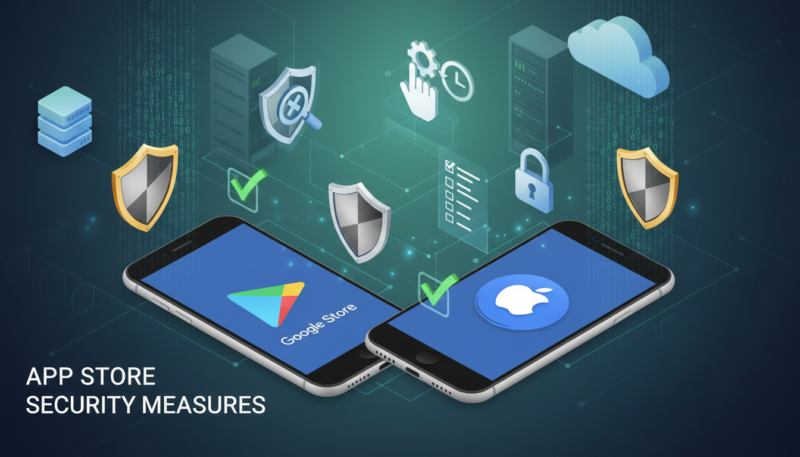
Official app stores act as the primary gatekeepers, determining which software reaches users’ devices. Their review processes and protective features are vital for blocking malicious code.
Review Processes and Malware Detection Strategies
Google Play serves the vast majority of mobile devices globally. It employs automated scans and human review to catch threats.
Apple’s App Store has long used a stricter, manual vetting process. This created a tightly controlled environment for its users.
New regulations are changing the landscape. The Digital Markets Act, enforced in March 2024, now requires Apple to permit app downloads from outside its store.
In response, the company is implementing a notarization system for sideloaded apps. This aims to maintain security oversight even with greater user choice.
No system is perfect. Malicious software occasionally bypasses detection on both platforms.
Google’s Play Protect offers a critical secondary defense. It scans devices running its software for harmful apps.
The option to use third-party app stores on Android provides flexibility. It also increases exposure to potential security vulnerabilities.
This evolving competition highlights the ongoing debate about platform safety. Both companies continually refine their strategies to protect user data.
Mobile Parental Controls and Privacy Considerations
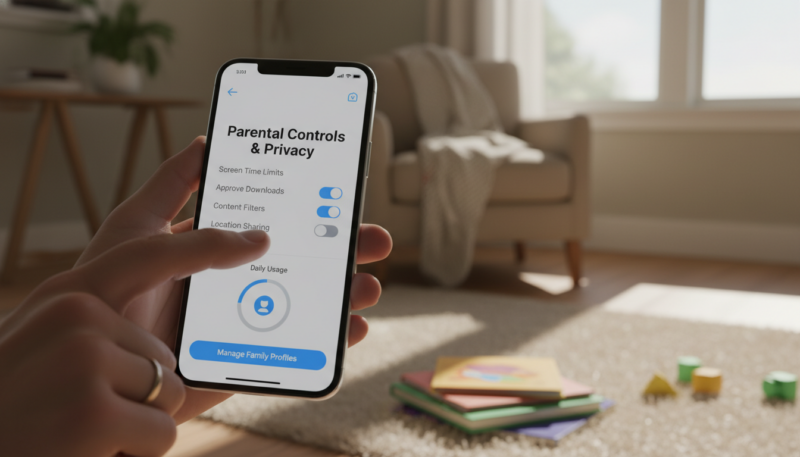
The choice of a child’s first phone brings critical questions about monitoring and privacy to the forefront. Caregivers seek tools that offer protection without stifling a young person’s digital growth.
This requires a nuanced understanding of what different platforms allow. The effectiveness of any strategy depends on the harmony between device operating systems and third-party software.
Effectiveness of Third-Party Parental Control Apps
Not all mobile devices work the same with external monitoring apps. The more open nature of one major platform often allows for deeper integration.
This enables features like social media tracking and detailed content filtering. On the other hand, a restrictive system limits what third-party tools can access.
Parents may find themselves relying more on built-in features in that ecosystem. The compatibility gap is a key factor when selecting a device for a child.
Balancing User Privacy with Enhanced Monitoring
Strong security involves more than just installing control software. It includes respecting a child’s developing sense of autonomy.
Open conversations about online threats are essential. Parents should also use native privacy settings on any platform.
These settings manage which apps can access location or contact data. A combined approach of tools, trust, and education forms the best defense.
Conclusion
Making an informed choice about your phone’s security requires weighing the trade-offs inherent in each ecosystem. The closed system offers a consistent, managed defense for personal data. The open platform provides flexibility but demands more user diligence.
Both major operating systems deliver robust security features in 2026. The gap between them continues to narrow. Your specific needs should guide the final decision.
User behavior remains the most critical factor. Regularly installing software updates is a non-negotiable habit. Exercise caution with all apps, regardless of their source.
Focus on personal digital hygiene and privacy settings. Adding a reputable security tool can provide a valuable extra layer against modern threats. The most secure device is one that is kept current and whose potential vulnerabilities are understood.
Staying proactive and informed lets you enjoy mobile technology while keeping your information safe.
FAQ
Which operating system has better built-in data protection?
Apple’s iOS platform is often praised for its integrated hardware and software approach. Features like the Secure Enclave provide strong, on-device encryption for sensitive information. Google’s mobile operating system offers robust protection too, but its effectiveness can vary more across different manufacturers’ hardware.
How do app store review processes differ for security?
The Apple App Store employs a more centralized, manual review process for each submission, which can help catch malicious software before it reaches users. The Google Play Store uses a combination of automated scanning and human review, focusing on a faster, scalable model to police its larger catalog of software.
Are third-party app stores safe to use?
Downloading applications from sources outside the official Google Play Store or Apple App Store carries significant risk. These platforms may have less stringent security checks, increasing the chance of installing malware. Users should enable settings that block installations from unknown sources to enhance their device’s safety.
What is the biggest security risk for smartphone users?
One of the most common threats remains social engineering attacks, like phishing, which trick people into giving up login credentials. Regardless of the brand, user behavior is a critical factor. Keeping software updated to patch vulnerabilities is the single most important action for protecting personal data.
Do parental control apps compromise a device’s privacy?
Powerful monitoring tools require extensive permissions, which can create a tension between oversight and privacy. These applications can access location, messages, and browsing history. It’s important for families to have clear conversations about the purpose and scope of such monitoring to maintain trust.
How does a phone’s ecosystem affect its overall security?
A closed ecosystem, like Apple’s, allows for tight control over both hardware and software, leading to consistent and timely security updates. An open ecosystem encourages innovation and choice but relies on multiple companies to deliver patches, which can sometimes be slower and less uniform across all devices.